

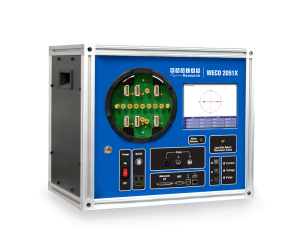
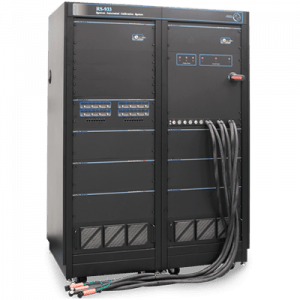

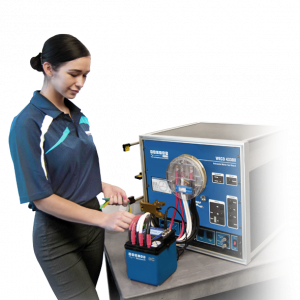





Controlling RADIAN RX Reference Standards with SCPI
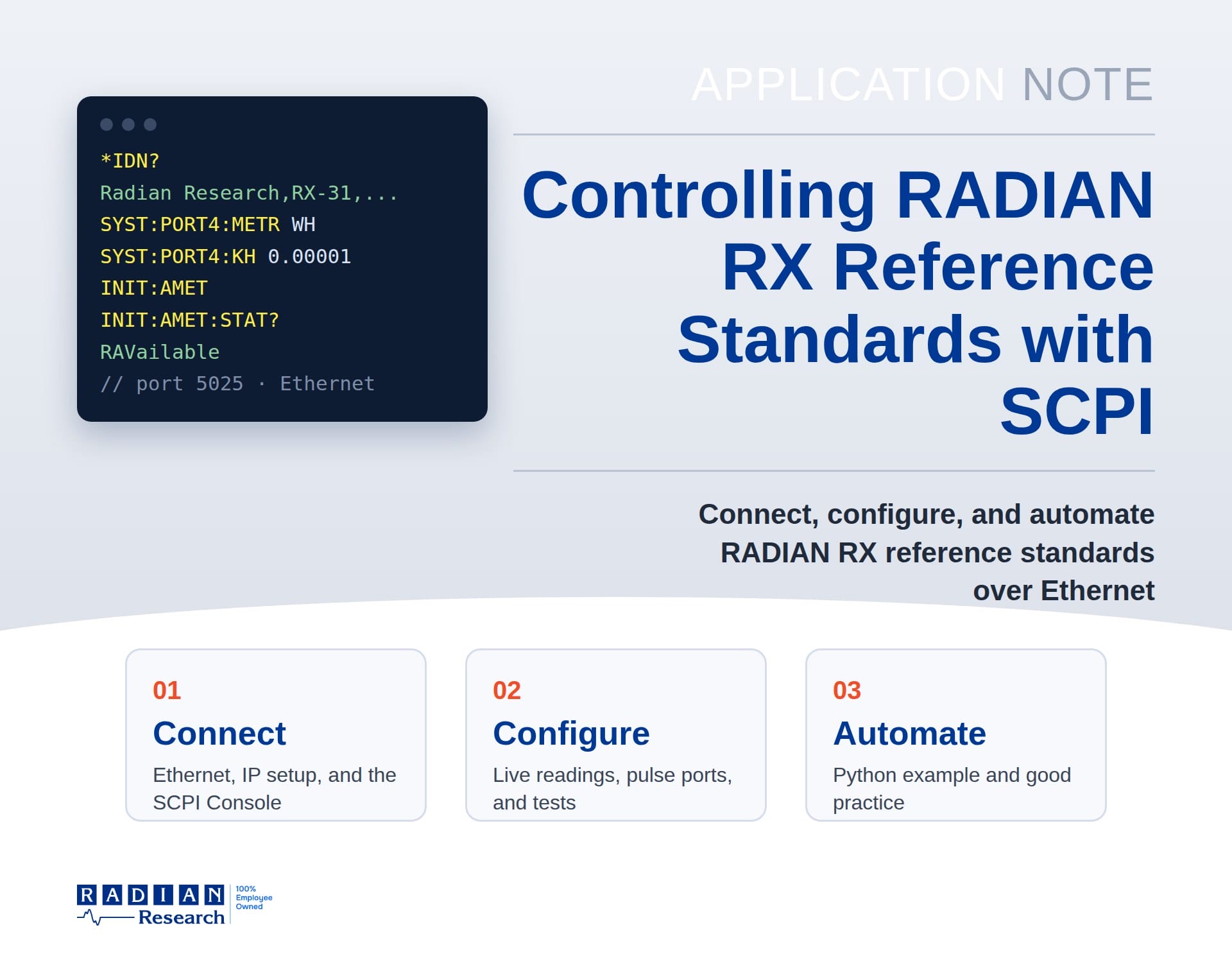
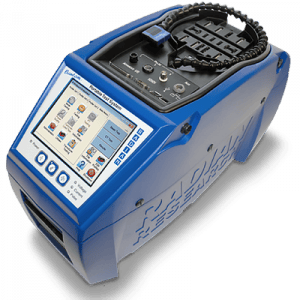
Radian Research designed the RADIAN RX family of reference standards around SCPI (Standard Commands for Programmable Instruments), the standard command language for test and measurement instruments. Over the RX Ethernet port, any software that can open a network connection, including Python, LabVIEW, C#, MATLAB, or a test executive, can read live measurements, accumulate energy, set up the pulse output ports, and run meter and standards tests.
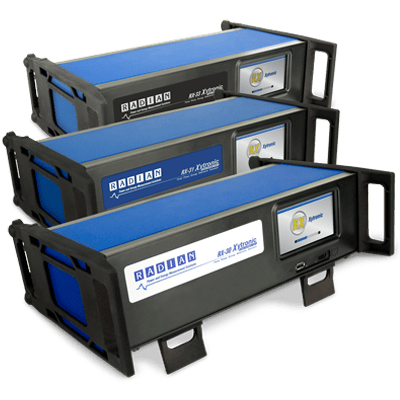
SCPI works the same way across all RADIAN RX standards. This application note, with examples on a three-phase RX-30, RX-31, or RX-33, walks through connecting the RX to a PC, using the RADIAN SCPI Console, how RX commands are built, and the most common tasks, with ready-to-use command scripts and a Python example for automated test systems.
Download the application note (PDF) · Download the Python example (ZIP)
What the Application Note Covers
- Connecting: cabling, RX and PC network settings, the SCPI and Device Clear ports, and finding an RX on your network.
- The RADIAN SCPI Console: every control on the Main and Config tabs.
- How RX commands work: long and short forms, numbered inputs and ports, the measurement pattern, resets, and error checking.
- Common tasks: identify the RX, read live measurements, set up a pulse output port, accumulate energy, and run a meter test.
- Automating with Python: a complete example script and good practice for production test systems.
- Troubleshooting and a command quick reference.
Connection at a Glance
| Item | Detail |
|---|---|
| Interface | Ethernet (RJ-45) on the back of the RX |
| Command port | TCP 5025 (SCPI commands and responses) |
| Device Clear port | TCP 5026 (send DCL to clear a stuck connection) |
| Message format | Plain ASCII text, one line per command or reply |
| Discovery | SCPI Console “Search for Devices,” or mDNS service _scpi-raw._tcp |
| Clients | One SCPI connection at a time |
The Measurement Pattern
Every RX measurement follows the same four steps: configure, start, wait, and read. READ:<subsystem>? combines the last three into one query.
| Step | Command | What happens |
|---|---|---|
| 1. Configure | CONFigure:... | Choose the metrics, duration, Kh, and other settings |
| 2. Start | INITiate:... | The RX starts measuring |
| 3. Wait | INITiate:...:STATe? | Replies MEASuring while running, RAVailable when results are ready |
| 4. Read | FETCh:...? or IRESult:...? | Returns the results |
Example: Set Up a Pulse Output Port
The touchscreen shows the pulse port settings but cannot change all of them. These commands set port 4 to output totalized Wh at a Kh of 0.00001 and read each setting back:
SYSTem:PORT4:OUTPut METRic
SYSTem:PORT4:METRic WH
SYSTem:PORT4:SOURce TOTalized
SYSTem:PORT4:KH 0.00001
SYSTem:PORT4:METRic?
SYSTem:PORT4:KH?
SYSTem:ERRor:ALL?
Example: Automate with Python
import socket

rx = socket.create_connection(("169.254.3.50", 5025), timeout=5)
reader = rx.makefile("r", encoding="ascii", newline="\n")

def send(command):
    rx.sendall((command + "\n").encode("ascii"))

def query(command):
    send(command)
    return reader.readline().strip()

send("*CLS")
print(query("*IDN?"))              # Radian Research,RX-31,...
send("SYSTem:PORT4:METRic WH")
print(query("SYSTem:PORT4:METRic?"))
print(query("SYSTem:ERRor:ALL?"))
rx.close()
The full example in the download adds what a production system needs: clearing old replies before each query, confirming the connection, polling for completion, parsing numeric results, and reporting errors.
Quick Troubleshooting
| Symptom | What to do |
|---|---|
| Connection refused | Close any other program connected to the RX. If none is open, send DCL to port 5026 and try again. |
| Replies out of step | Send *CLS, then *IDN? until the reply begins with “Radian.” Clear the receive buffer before each query. |
| A query never returns | Use Device Clear, and make sure INITiate was sent before FETCh. |
| Values of 9.91E+37 | No valid reading yet. Check that a measurement has run and a signal is applied. |
Get the SCPI Console
The RADIAN SCPI Console is a free Windows program for learning and testing the RX command set. To request it, email technicalsupport@radianresearch.com with your RX model and serial number. Our Technical Support team can also help with automation and integration questions at (765) 449-5500.
Related products: RADIAN RX-30, RX-31, and RX-33 Three-Phase Reference Standards.